Password Authentication
If enabled in your organization’s deployment, you can log in to the Visual Action Platform using a username and password combination.
By default, your username will be your organizational email address. Check with the technical administrator of your deployment to determine whether your username is your email or something else.
Your deployment’s technical administrator will provide you with an initial password for your account. When you log in for the first time, you will be required to change your password to something else.
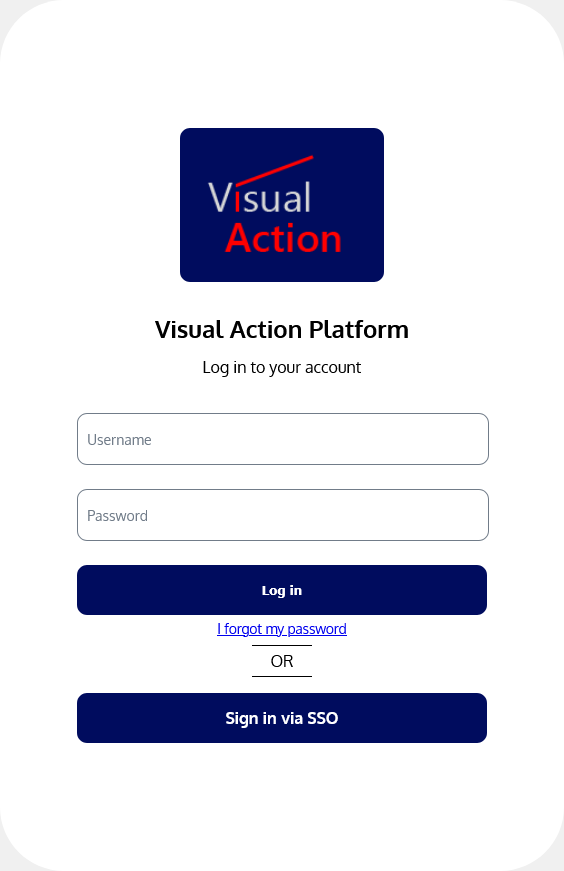
To log in using username and password, simply navigate to the URL of your organization’s Platform deployment. Then, enter your username and password and click “Log In”.