Mini/Mobile Flaremaps
Flaremaps also feature a compact (mobile-friendly) display. When using embedded Flaremaps, this compact display is automatically utilized when viewing the Flaremap on a mobile device. This compact interface, however, can be useful in several other circumstances. Sometimes, when using a second or third Flaremap on a single interface, it’s helpful to have a more compact view of the secondary (or tertiary) Flaremap(s). Perhaps you simply want the Flaremap controls to be collapsed because users won’t be changing them frequently.
Whatever the case may be, the application environment makes the compact Flaremap available to easily deploy into applications. This version, when used in apps, is forced to always show in the compact, mobile-friendly format.
To deploy a Mini Flaremap, navigate to the Workflow Extension Drawer, and choose the “Flaremap” Suite (the same location where you can find standard Flaremaps). Click and drag a “Mini Flaremap” out onto the Desktop.
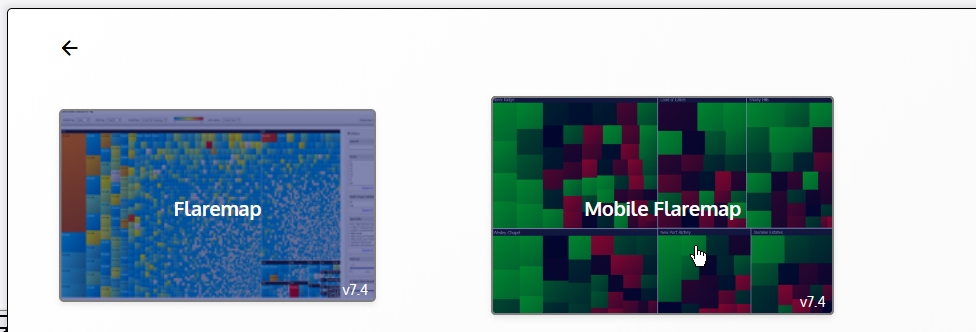
All of the same settings and controls available for a standard Flaremap are also available for a Mini Flaremap. The only difference is the actual display/interface of the Flaremap field and controls within the Extension body.