Home Page
Once you’ve logged in, you’ll be taken to your Home page. The Home page features quick access buttons to some of the most common pages you’ll use in the Platform.
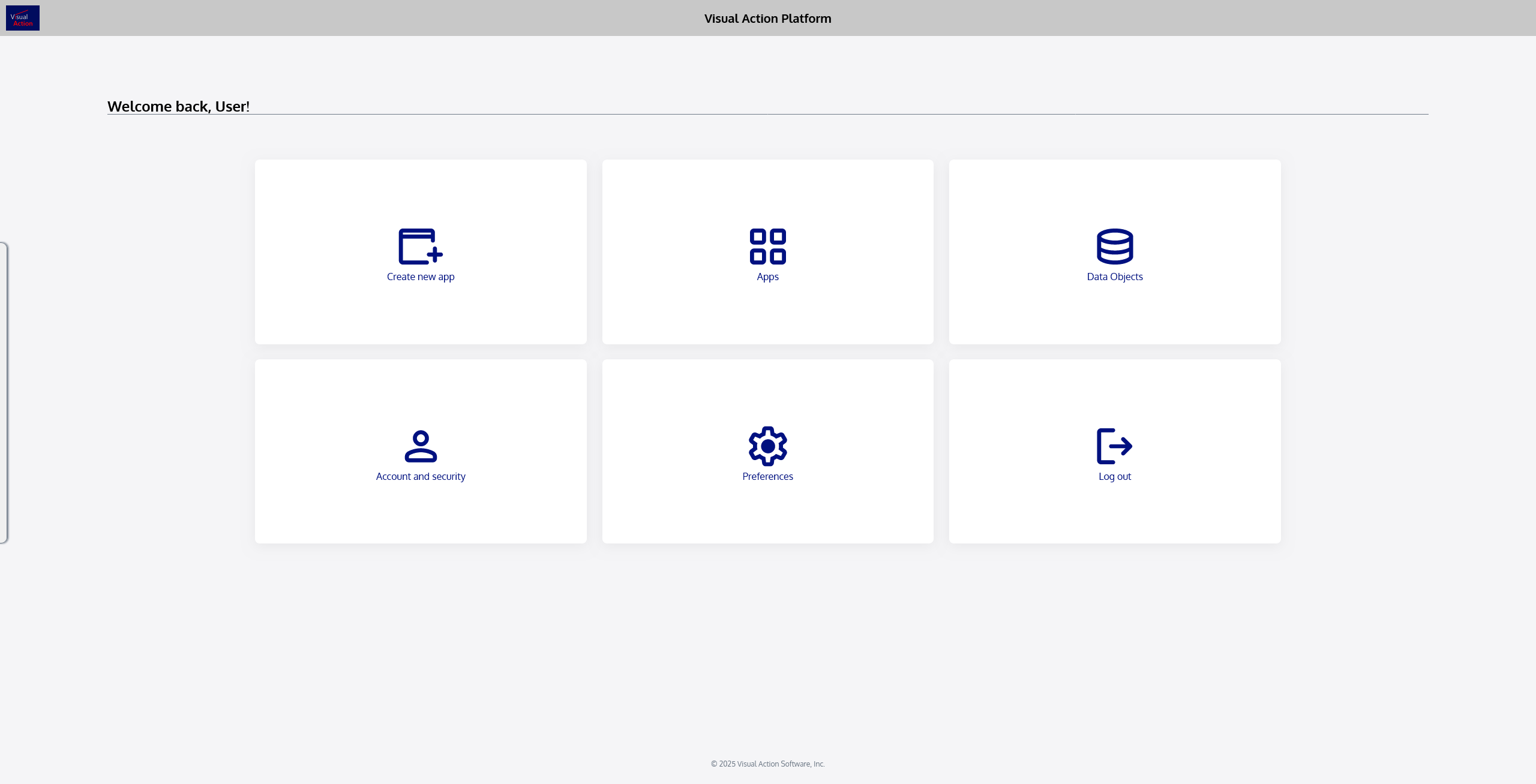
Below are each of the tiles (actions) available on the Home page:
 | Takes you directly to the Flaremap application environment to start building a new app. |
|---|---|
 | Brings you to your Apps page, where you can see all apps you own, apps that have been shared with you, and create new apps. |
 | Brings you to your Data Objects page, where you can see all Data Objects you own or have access to, and where you can create new Data Objects. |
 | Displays your profile page, where you can view and update personal information and security settings. |
 | Displays your account preferences, which you can adjust to your liking. |
 | Logs you out of the Visual Action Platform. |