My Account
To access your account overview page, click the “Account and security” tile from your home page, or select the  (My Account) button from the Navbar.
You will be taken to your account overview page, where your profile information is displayed. Any information that is included in your profile will be shown to you here. Note: Just because information is displayed to you on this page does not necessarily mean it is visible to other users.
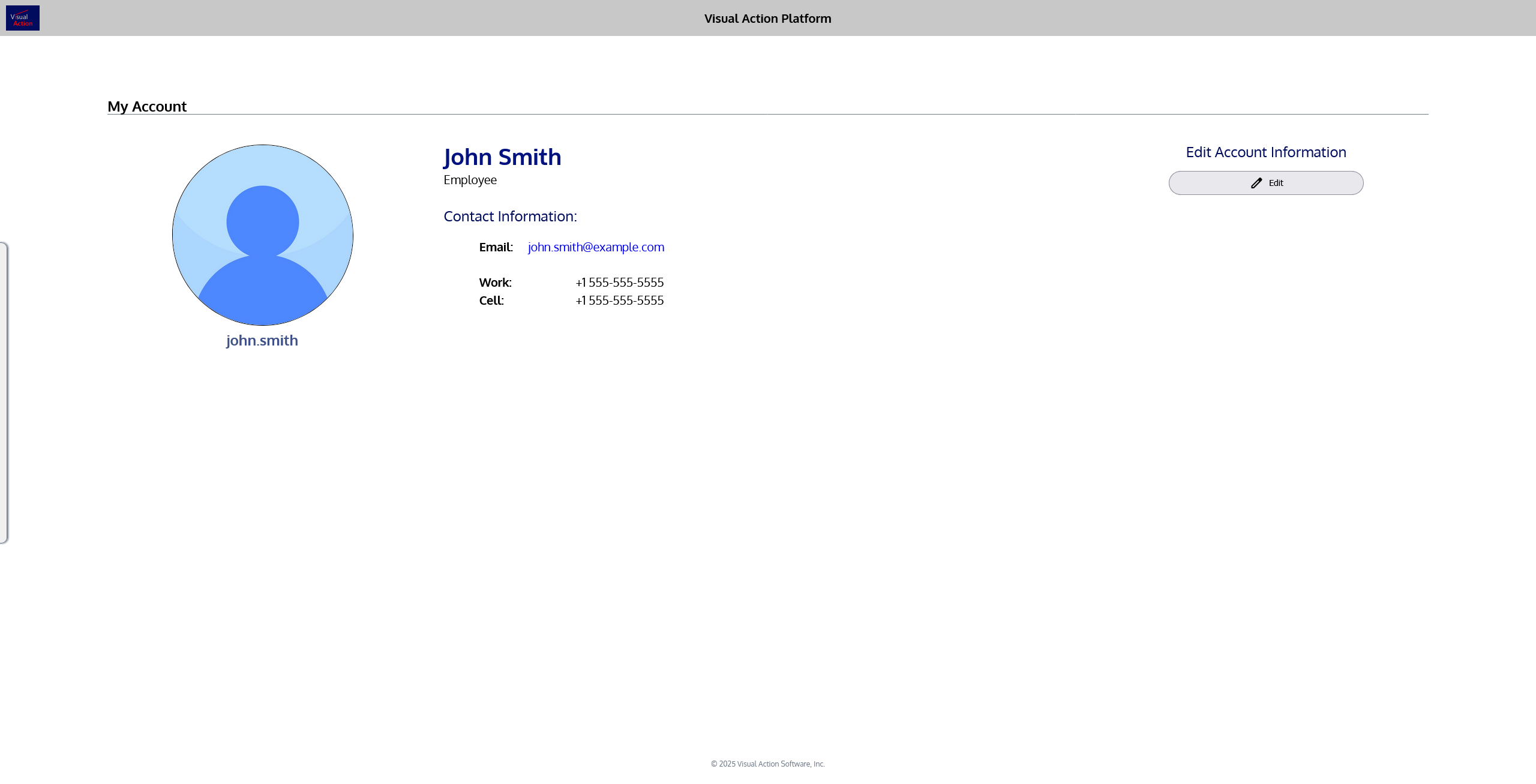
To edit your account information, click the  Edit button under “Edit Account Information” on the right side of the page. You will be taken to the account editing page, where you can update any info that you are permitted to change. Some information about your account can only be updated by an administrator.
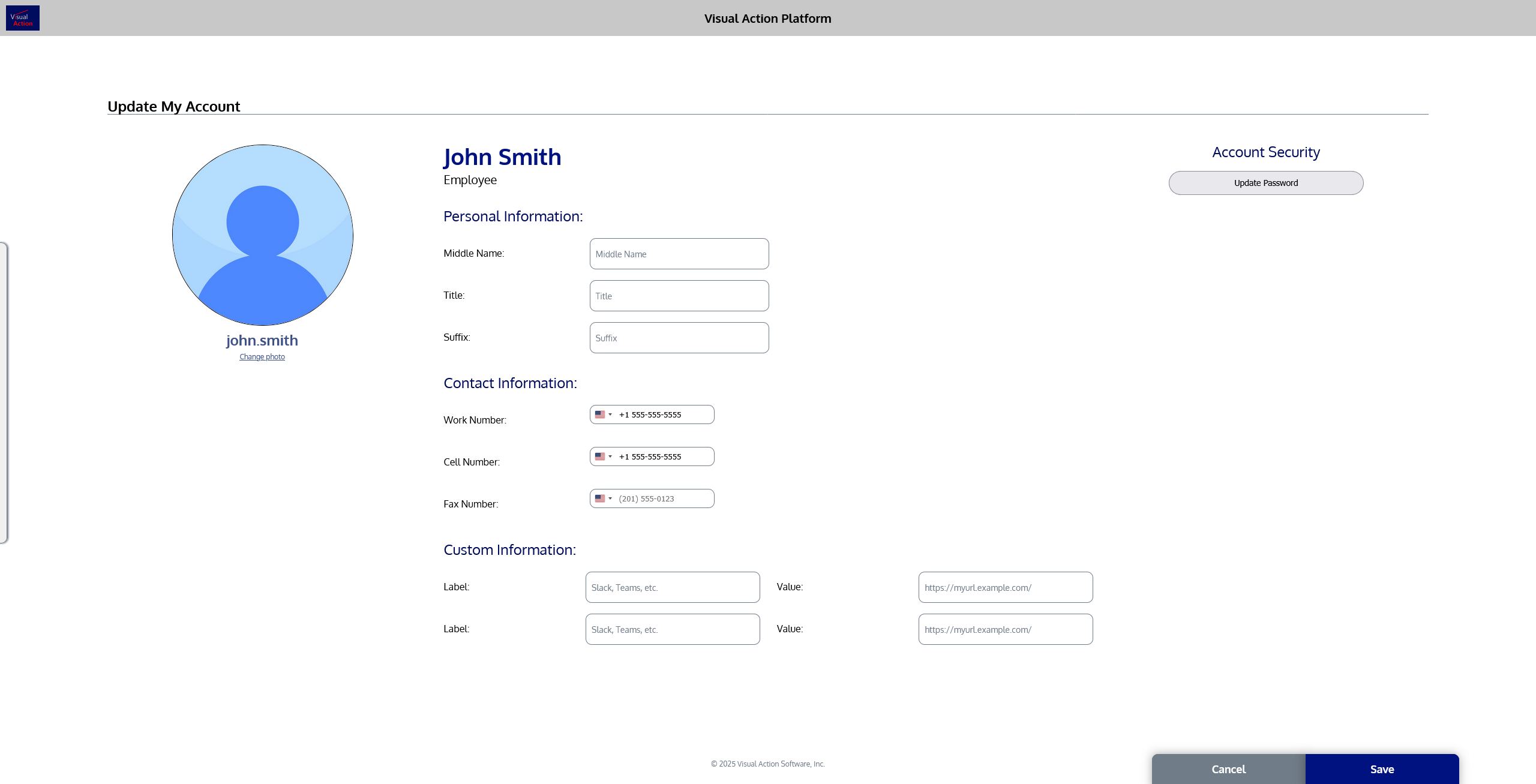
Once you’ve made any changes to your information that you’d like, click the “Save” button in the bottom right corner to save your changes. You will then be returned to your account overview page. If you’d like to cancel your changes, click the “Cancel” button.
