Getting Help
If you need any help while in the application environment (or the Visual Action Platform in general), there are many options available to you.
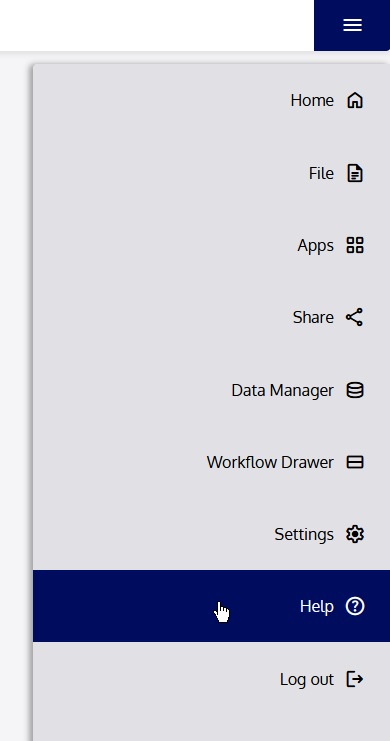
Open the Menu and click “Help” to view the in-app help options. The first option, “User Guide,” will open the most up-to-date version of this User Guide from the Visual Action website. If you are viewing this document digitally, you can also check for updated documentation by clicking here.
If you need further assistance beyond what is offered by this User Guide or the documentation accompanying a Workflow Suite or Extensions, click “Contact Us,” or navigate directly to www.visualaction.com/contact, and use one of the available methods to get in touch with us for help. You can also use the information contained in section 9 Contact to contact us.