Saving an Application
Whenever a change is made to your application while editing, it is automatically saved by the Platform. There is, however, an option to manually save your application, if you want to be extra sure it’s saved.
To force your application to be saved, open the Menu ( ), select “File”, then click “Save” (
 ).
).
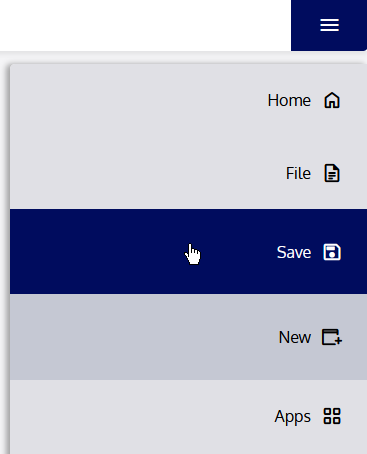
Your application will be saved.